
Traffic Rider for PC: How to Play on Windows 10 and 11
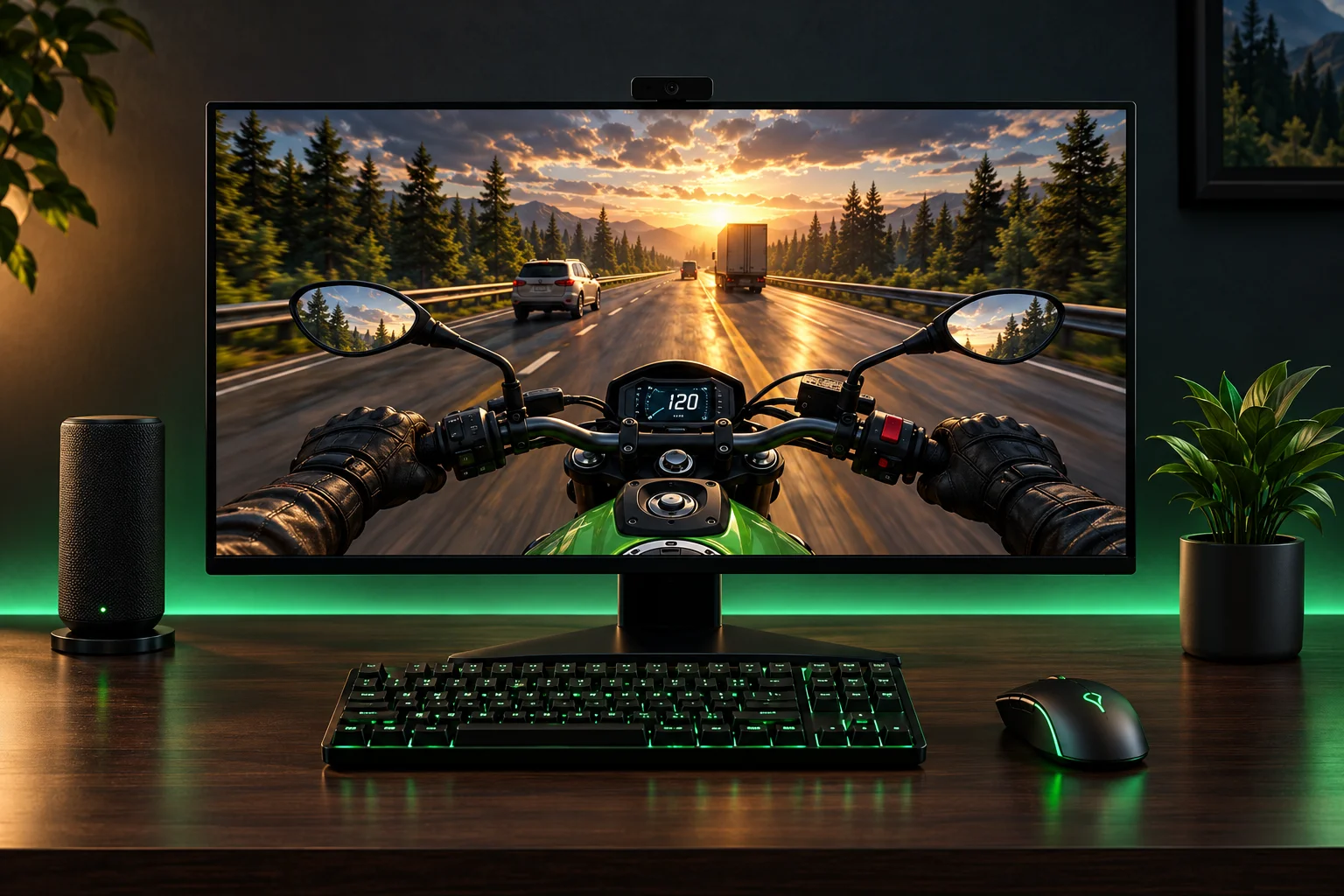
There is no official Traffic Rider version for Windows — but you can play it on your computer today, in two real ways: Google’s own Play Games app, or an Android emulator that can also run the build from our homepage. Both are explained below with the real system requirements, checked against Google’s and BlueStacks’ own pages.
Unofficial information site. The game is by skgames and is free on Google Play and the App Store. This site is not affiliated with the developer. Any “Traffic Rider PC .exe” offered elsewhere did not come from the developer.
The honest answer
Play Games · Emulator
Supported systems
Both routes
Requirements checked
The Short Answer
Way 1 — Google Play Games on PC: Google’s own Windows app. The official game, your Google account, keyboard and controller support. Best if it is available in your country — but it cannot install APK files, so it runs only the standard game.
Way 2 — An Android emulator: a free program such as BlueStacks 5 that runs Android on your PC. It works in every country, asks less of your hardware, and is the only PC way that runs the Android build from our homepage.
Both ways are explained step by step below, with the real system requirements for each — checked against Google’s and BlueStacks’ own published pages, not copied from other blogs.
Google Play Games on PC
Google Play Games is a Windows application from Google that runs Android games on PC with keyboard, mouse and controller support, signed in with your Google account. It is not an emulator you configure for hours — you install it, sign in, and install games from its catalog.
Before you start — the honest limitation: Play Games only runs games in its own catalog; you cannot install an APK file into it. Traffic Rider’s Play Store listing carries PC system requirements, which is how the game presents itself for PC — but catalog availability differs by country. Install Play Games, search “Traffic Rider”, and if it appears you are set. If it does not appear in your country yet, Way 2 below works everywhere.
Requirements for Google Play Games on PC
| Requirement | Minimum | Recommended |
|---|---|---|
| Windows | Windows 10 (version 2004) or newer | Windows 10 (v2004) or Windows 11 |
| Storage | SSD with 10 GB free — a hard drive is not accepted | SSD with room for several games |
| Memory | 8 GB RAM | 8 GB RAM or more |
| Graphics | Intel UHD Graphics 630 or comparable | Gaming-class GPU (for example Nvidia GeForce MX450) |
| Processor | 4 physical CPU cores | 8 logical cores |
| Other | Windows admin account; hardware virtualization turned on | Same |
These are Google’s published minimums. The one that stops most people is the SSD: the installer will not proceed on a hard disk drive. The second is virtualization — if Play Games asks you to turn on the Windows Hypervisor Platform during setup, accept it and restart.
Steps
From download to your first ride, in order:
- Open the Google Play Games website (play.google.com/googleplaygames) on your PC and download the installer.
- Run the setup. If Windows asks you to enable the Windows Hypervisor Platform or restart, do it — the app cannot run without it.
- Sign in with your Google account.
- Search for “Traffic Rider” and open its page. Check the developer name: Skgames Yazilim Muhendislik Teknoloji Ltd. Sti.
- Click Install, then Play. Your keyboard works right away, and a connected Xbox or PlayStation controller also works.
- Your profile travels with you. Play Games achievements stay tied to your Google account, on PC and phone alike.
Android Emulator (Runs the Mod Build Too)
An emulator is a program that creates an Android phone inside your Windows PC. BlueStacks 5 is the most widely used one and the one these steps follow; the same steps work in similar emulators. Because the emulator runs real Android, this is the only PC way that can run the exact build of Traffic Rider Mod APK v2.11 from our homepage — version 2.11, the file whose size and SHA-256 fingerprint are published there.
Requirements for BlueStacks 5
| Requirement | Minimum | Recommended |
|---|---|---|
| Windows | Windows 7 or newer | Windows 10 or 11 |
| Processor | Intel or AMD processor | Multi-core Intel or AMD (single-thread benchmark score above 1000) |
| Memory | 4 GB RAM | 8 GB RAM or more |
| Storage | 5 GB free disk space | SSD |
| Graphics | Up-to-date graphics drivers | Intel / Nvidia / AMD graphics (benchmark score 750 or higher) |
| Other | Administrator rights on the PC | Virtualization enabled for a large performance gain |
Notice how much lower these are than Google’s: an emulator will start on a 4 GB RAM PC where Play Games refuses. Starting is not the same as running well, though — for this game, treat the recommended column as the real target.
Steps
From a bare PC to the game running, in order:
- Download BlueStacks 5 from the official BlueStacks website only. Installers offered by download portals are a common source of bundled junk software.
- Run the installer. You need administrator rights on the PC.
- If BlueStacks reports that virtualization is off, restart the PC, enter the BIOS/UEFI (usually Del, F2 or F12 at startup), and turn on Intel VT-x or AMD-V (sometimes labelled SVM). This one setting is the biggest performance difference an emulator can get.
- Open BlueStacks and sign in to the Play Store with your Google account — this is only needed for store apps.
- For the official game: search “Traffic Rider” in the Play Store inside BlueStacks and install it.
- For the build from this site: download the Traffic Rider Mod APK file from our homepage on your PC, then in BlueStacks use Install APK (the option on the right toolbar, or simply drag the file onto the BlueStacks window). The file is 183.5 MB; let it finish copying before opening it.
- Launch the game from the BlueStacks home screen — and set your keys before your first serious run, using the mapping below.
Keyboard Controls
| Action in the game | Key most players use |
|---|---|
| Accelerate (right-hand throttle) | W or ↑ |
| Brake (left-hand button) | S or ↓ |
| Steer / lean left | A or ← |
| Steer / lean right | D or → |
| Wheelie (hold throttle at low speed) | W held + slight ↑ taps |
| Pause / menu | Esc |
These are touch points mapped to keys, which is how every emulator handles this game: the game itself still thinks a finger is touching the screen. You can change any of them in the emulator’s keymapping editor, and it is worth doing — tilt steering on a phone becomes left/right keys here, so put steering where your hands expect it.
Performance Tips That Actually Help
Virtualization on, always
With it off, the emulator falls back to slow software rendering and no setting inside the app fixes that.
Give it half your PC
In BlueStacks performance settings, 4 CPU cores and 4–8 GB of RAM is the sweet spot on a typical machine. Giving it everything starves Windows itself and makes things worse.
Install on the SSD
Both the emulator and Play Games load large textures constantly; on a hard drive you will feel it as stutter at exactly the wrong moment.
Update the graphics driver
Get it from Intel, Nvidia or AMD directly — not through a driver-booster program. Old drivers are the top cause of the black-screen problem below.
Lower the resolution
1280 × 720 in the emulator still looks clean on a monitor, and the frame-rate gain on weaker PCs is large.
Close heavy background apps
Shut the browser’s heavy tabs and any other virtual machine or emulator instance before a long session.
Problems and Fixes
Play Games says my PC is not eligible
Check the three usual causes: no SSD, less than 8 GB of RAM, or virtualization off. If your PC fails the SSD or RAM requirement, no setting changes it — use Way 2 instead; an emulator asks for much less.
Traffic Rider does not appear in Play Games
Catalog availability is regional and outside your control. The emulator way runs the same game and works in every region.
The game is slow or stutters
Turn on virtualization first, then raise the emulator’s CPU/RAM allocation to the halfway point of your system, then drop the resolution to 1280 × 720. In that order — each step removes a different bottleneck.
Black screen when the game opens
Update the graphics driver, then in the emulator’s graphics settings switch the renderer (OpenGL/DirectX — whichever is not currently selected). One of the two modes will match your GPU.
"App not installed" in the emulator
The APK copy was incomplete. Download the file again — it must be exactly 183.5 MB (192,373,406 bytes) — and compare its SHA-256 with the fingerprint on our homepage before installing.
My phone progress is not on PC
Progress in the emulator build is stored inside the emulator, like a separate phone. Treat the PC as a fresh start; there is no official way to move a save between your phone and the emulator.
PC vs Phone: What Changes
| Point | On the Phone | On PC |
|---|---|---|
| Screen | Small, held in the hands | Full monitor — traffic and gaps are far easier to judge |
| Steering | Tilting the phone or on-screen arrows | Keys or a controller — steadier in dense traffic |
| Long sessions | Heat and battery drain end most long runs | No battery limit; the PC's cooling decides |
| Setup | Install and play in a minute | One-time setup of Play Games or an emulator first |
| Progress | Lives on that phone | Lives inside Play Games (account) or the emulator — separate from the phone |
| The game itself | Same 34 bikes, 90+ missions, same modes | Exactly the same game and content |
The honest summary: PC wins on screen size, controls and comfort for long sessions; the phone wins on tilt steering and on simply being in your pocket. Nothing about the game itself changes — same bikes, same missions, same traffic. On iPhone or iPad instead? Read our Traffic Rider for iOS guide.
Screenshots
Frequently Asked Questions
No. skgames publishes the game for Android and iOS only. On a Windows PC you play it through Google Play Games on PC or through an Android emulator — there is no official Windows installer, and any .exe offered elsewhere did not come from the developer.
Yes. Google Play Games is free, BlueStacks 5 is free, and the game itself is free on both routes. The emulator route can also run the build from our homepage.
Play Games is simpler and official, but only runs the standard game and only where its catalog offers it, and it demands an SSD and 8 GB of RAM. An emulator works in every country, asks for less from the PC, and is the only route that runs the modified build.
Yes — inside an Android emulator such as BlueStacks 5, using the Install APK option. Google Play Games cannot run it, because Play Games does not accept APK files from outside its catalog.
Google Play Games will not — it requires 8 GB. BlueStacks 5 will start on 4 GB, but expect to use its lowest graphics settings; 8 GB is the comfortable level for this game.
Emulators themselves are legitimate software used by millions of players. Download them only from the developer's official website; repacked installers from download portals are where bundled adware usually comes from.

Uzair reviews Android game builds for TrafficRiderModAPK.pro, with a focus on file details, version accuracy and practical riding guides. This page is updated whenever the linked build or its verified information changes. Last reviewed: October 25, 2026. Questions or corrections can be sent through the Contact Us page.